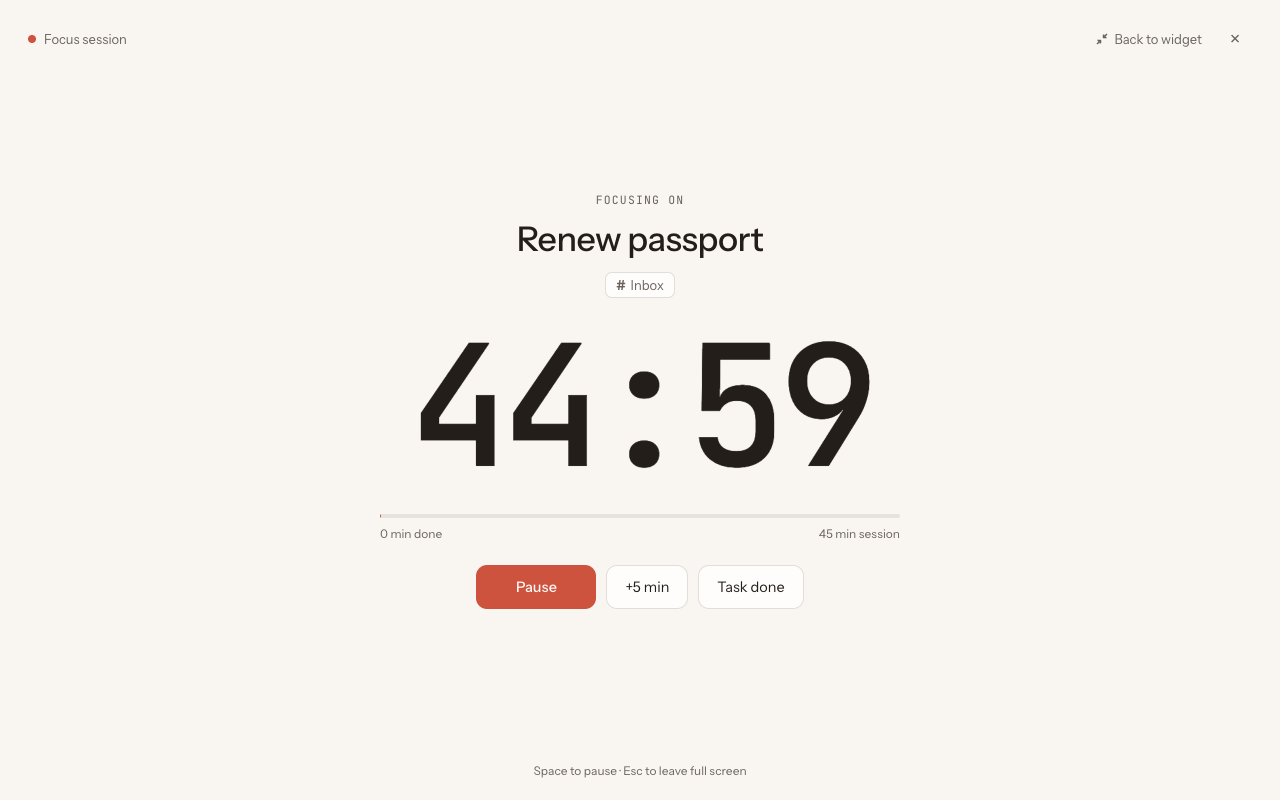
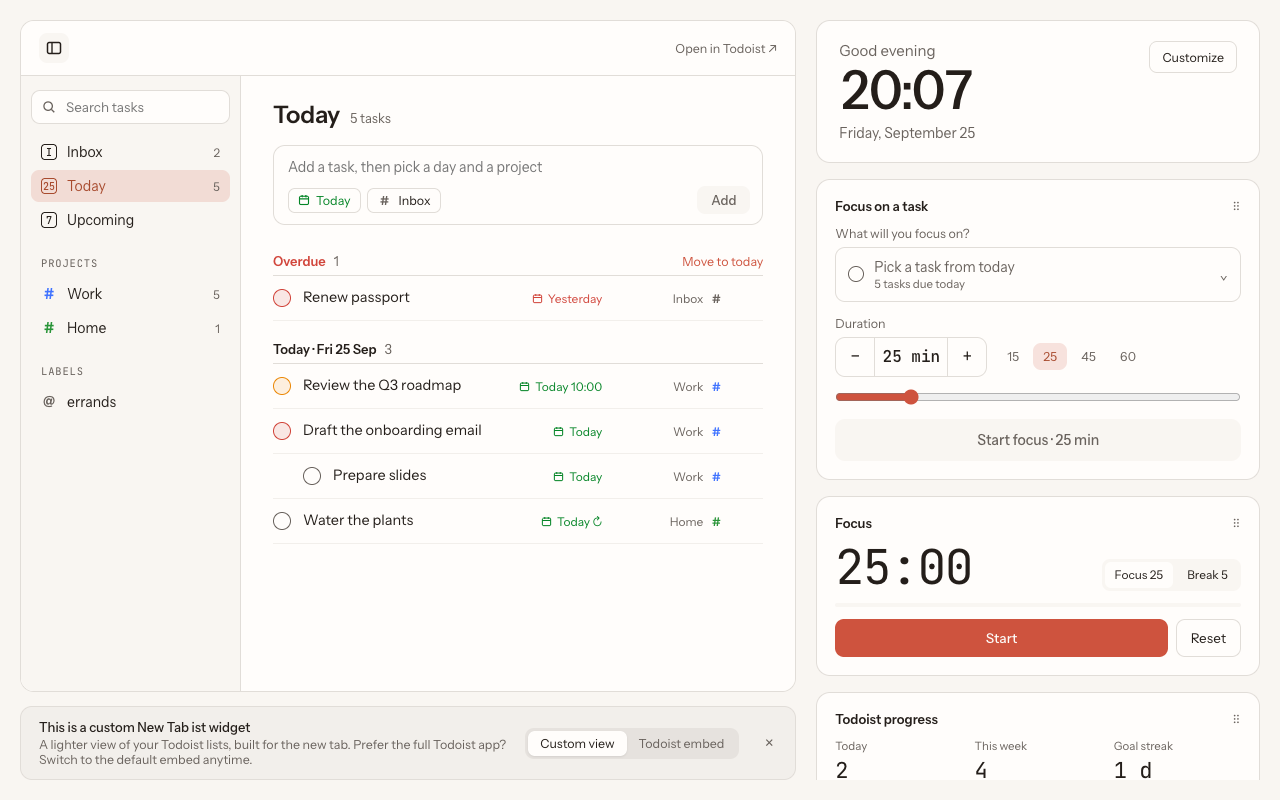
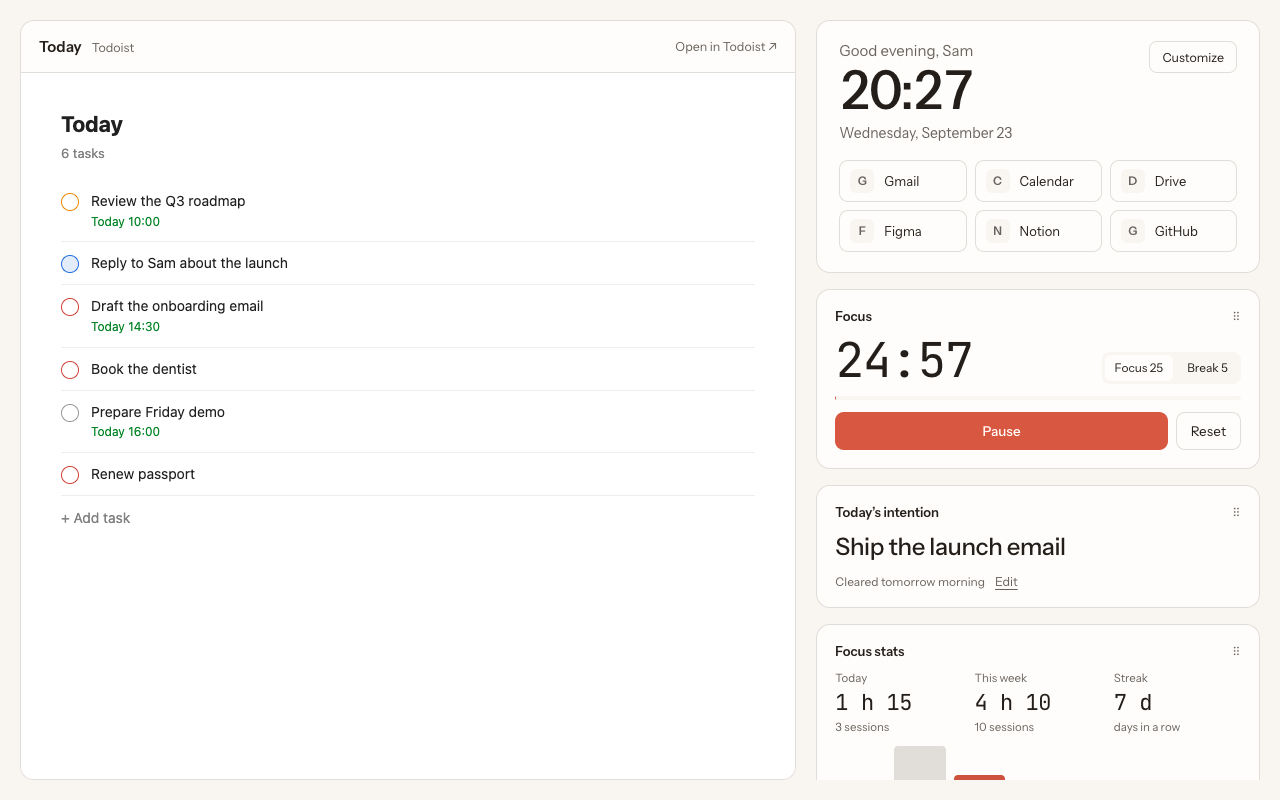
New Tab ist
Capture: turn any page into a task
Click the toolbar icon or press Alt+Shift+A, pick a block on the page and edit the title. The task goes to Todoist with a link back to the page.
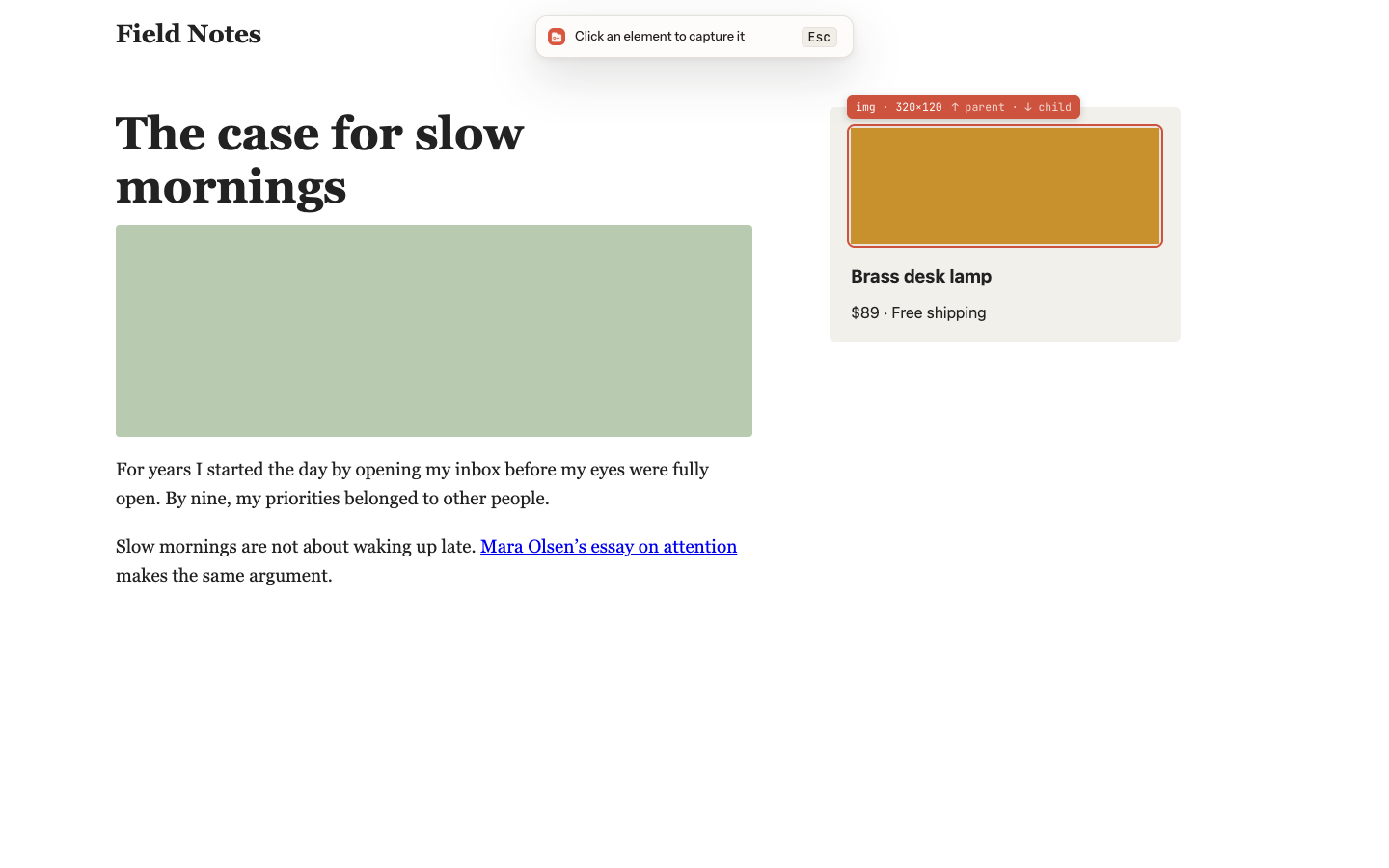
- Capture the whole page, or pick a paragraph, an image, a product card or a code block
- Move to the parent or child element with ↑ and ↓
- Right-click to add the page, a link, selected text or an image
- Pick the day, project and priority before adding, and undo right after